
The Categories section in the Enterpristore Helpdesk system allows administrators to create, view, edit, and delete ticket categories. Categories help organize support requests by type, making it easier for agents to manage and prioritize issues. Each category has a name, a slug (URL-friendly identifier), and a visibility status.
Categories Module
Categories List
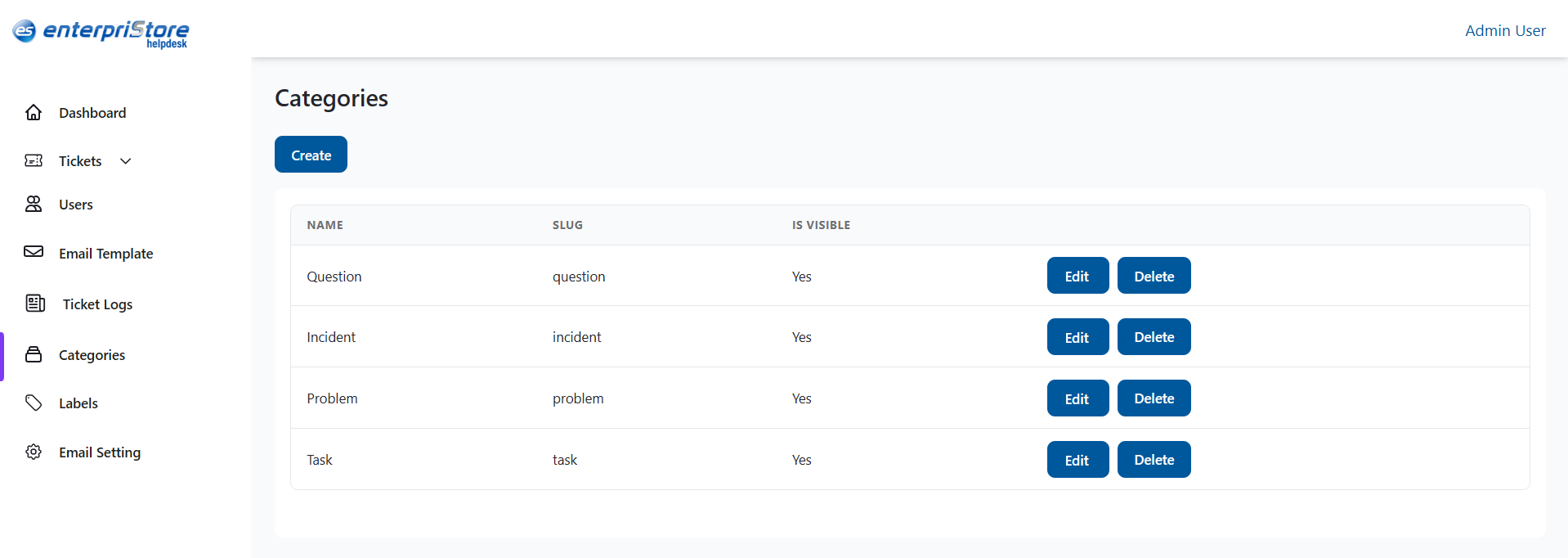
The Categories list is displayed in a table format with the following columns:
- Name – The title of the category (e.g., Question, Incident, Problem, Task).
- Slug – A short, lowercase identifier used internally (e.g., question, incident).
- Is Visible – Shows whether the category is visible to users.
- Actions – Buttons to Edit or Delete the category.
Create Category
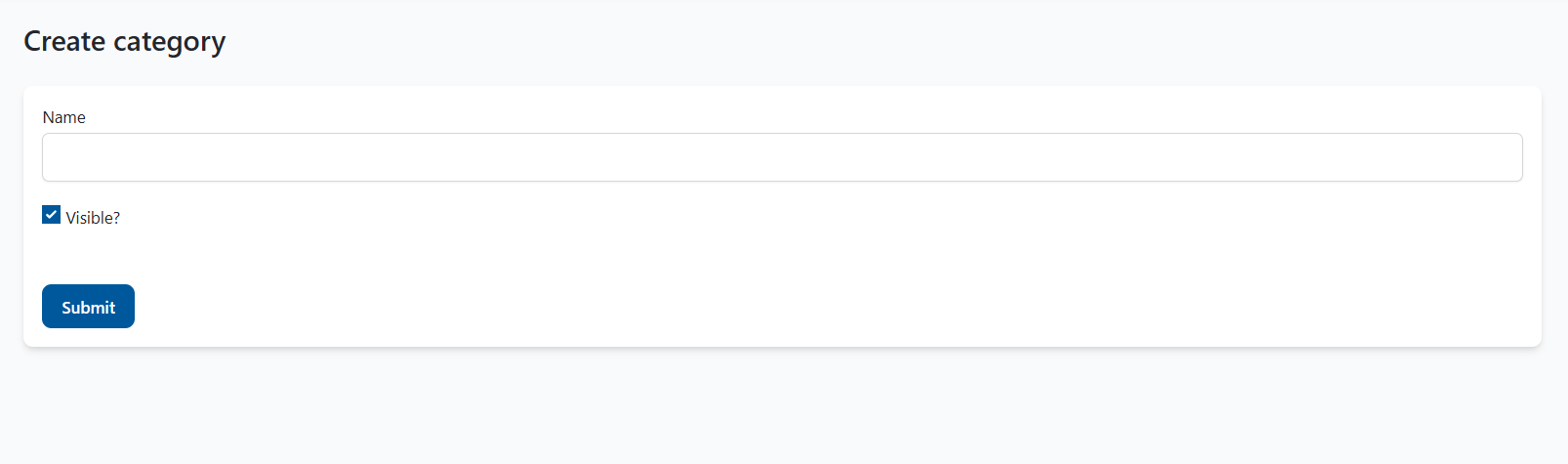
The Create button opens a form to add a new category.
Fields:
- Name – Enter the display name of the category.
- Visible? – Checkbox to make the category visible or hidden.
Action:
- Submit – Saves the new category and adds it to the list.
Edit Category
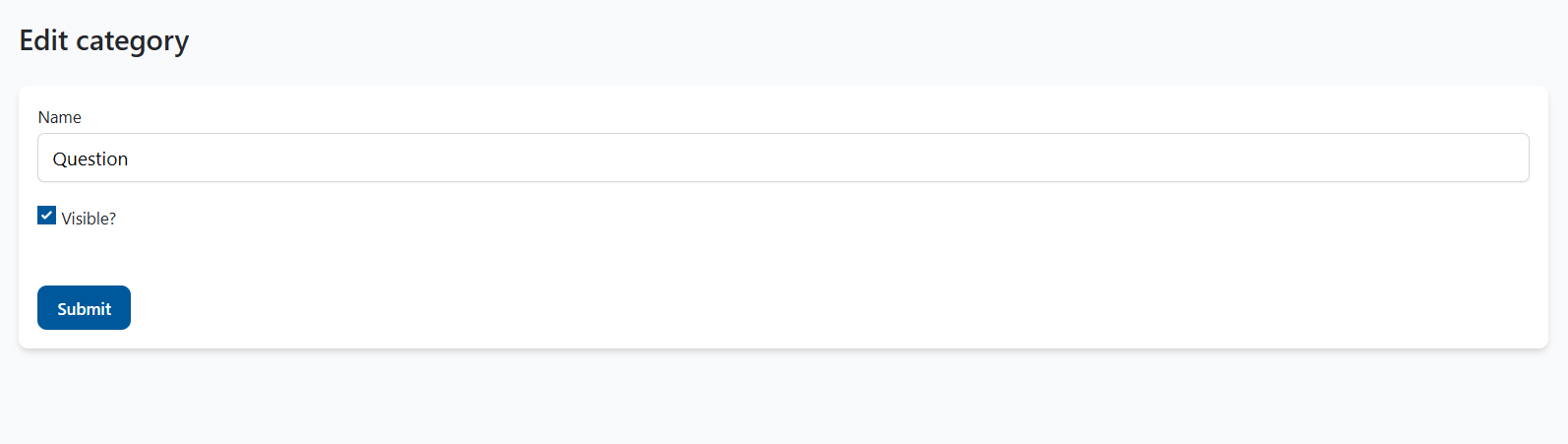
The Edit option allows updating an existing category’s details.
Fields:
- Name – Update the display name of the category.
- Visible? – Change the visibility status.
Action:
- Submit – Saves the updated category details.
Delete Category
The Delete option permanently removes a category from the system. A confirmation prompt appears before deletion to prevent accidental removal.
This completes the detailed explanation of the Categories module in the Enterpristore Helpdesk system.