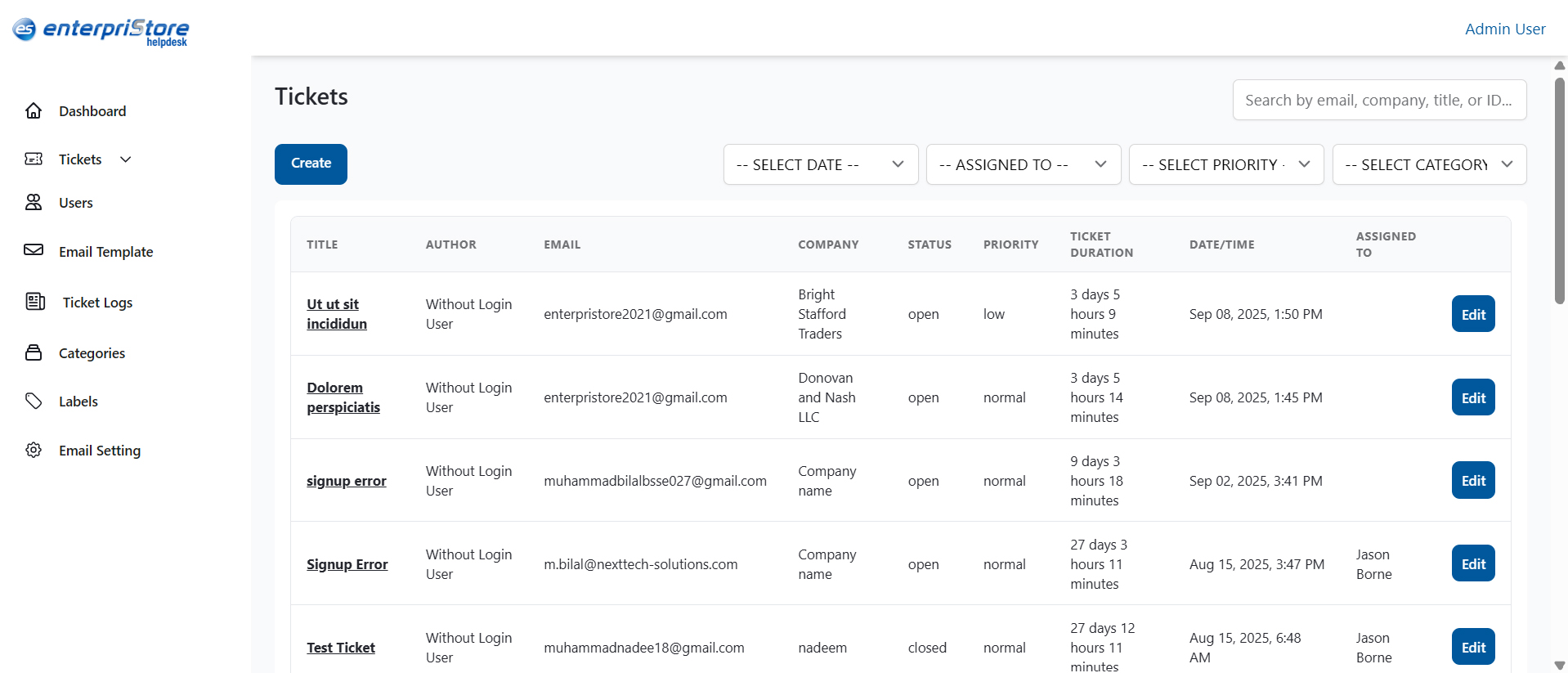
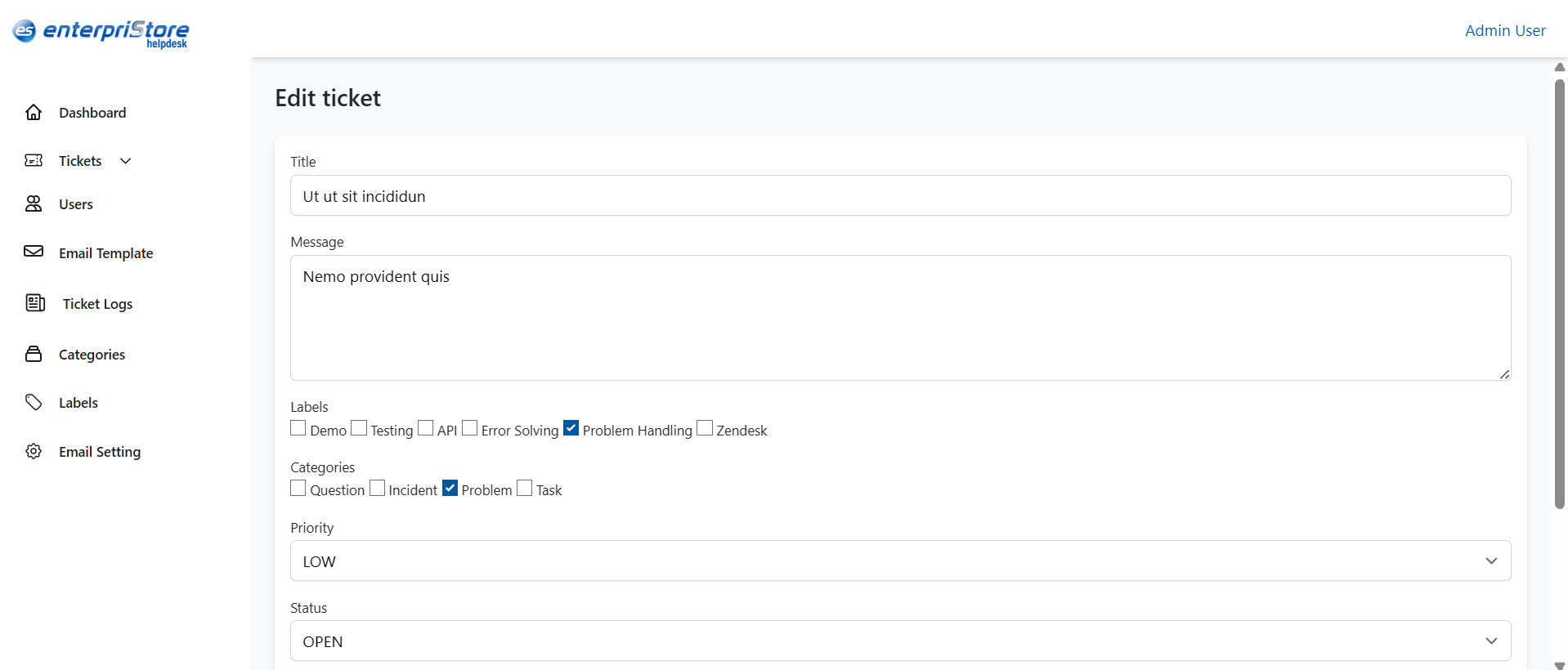
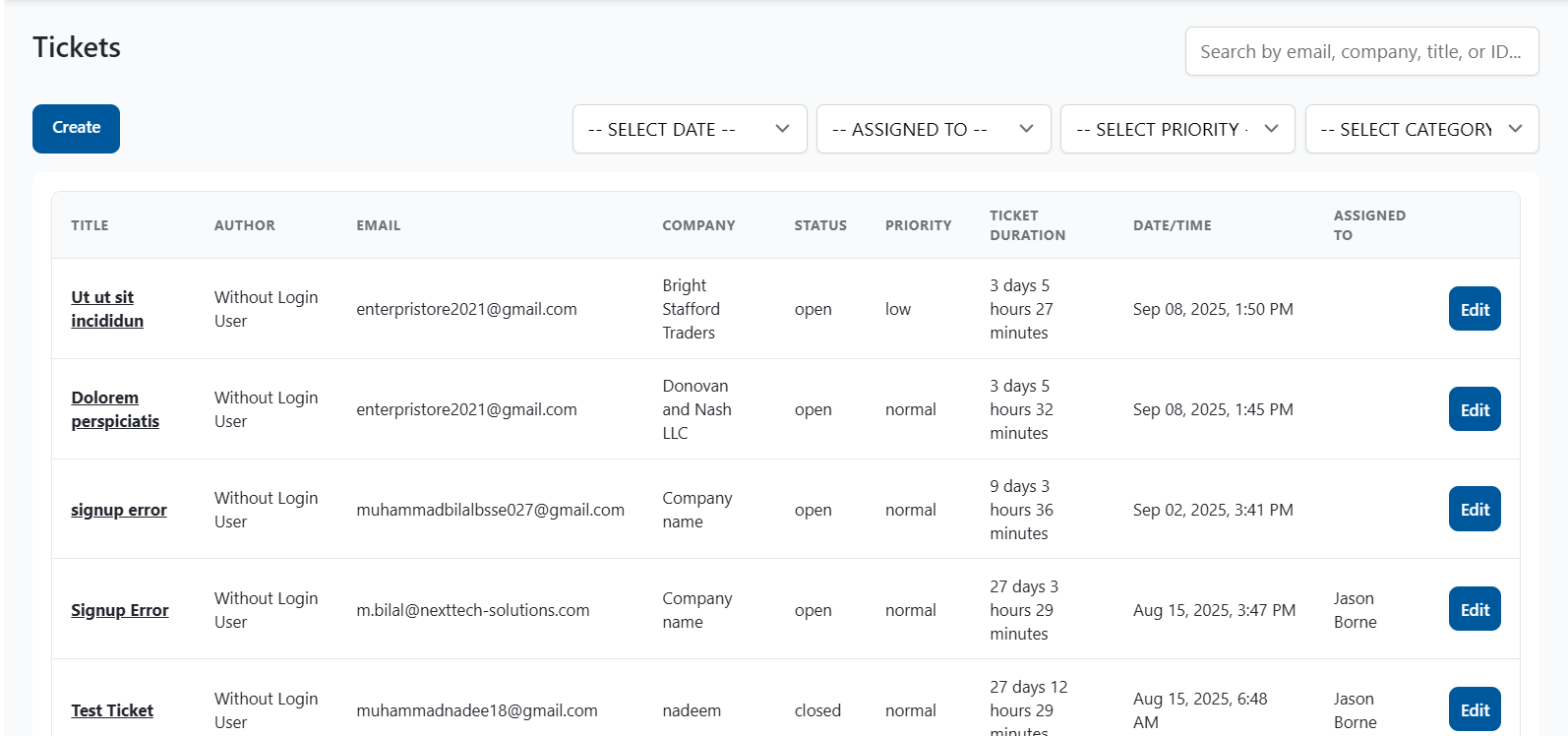
Edit Ticket
The Edit Ticket page is designed to update the details of an existing ticket. It provides full control to administrators and agents to correct, expand, or reassign information, ensuring that each ticket remains accurate throughout its lifecycle.
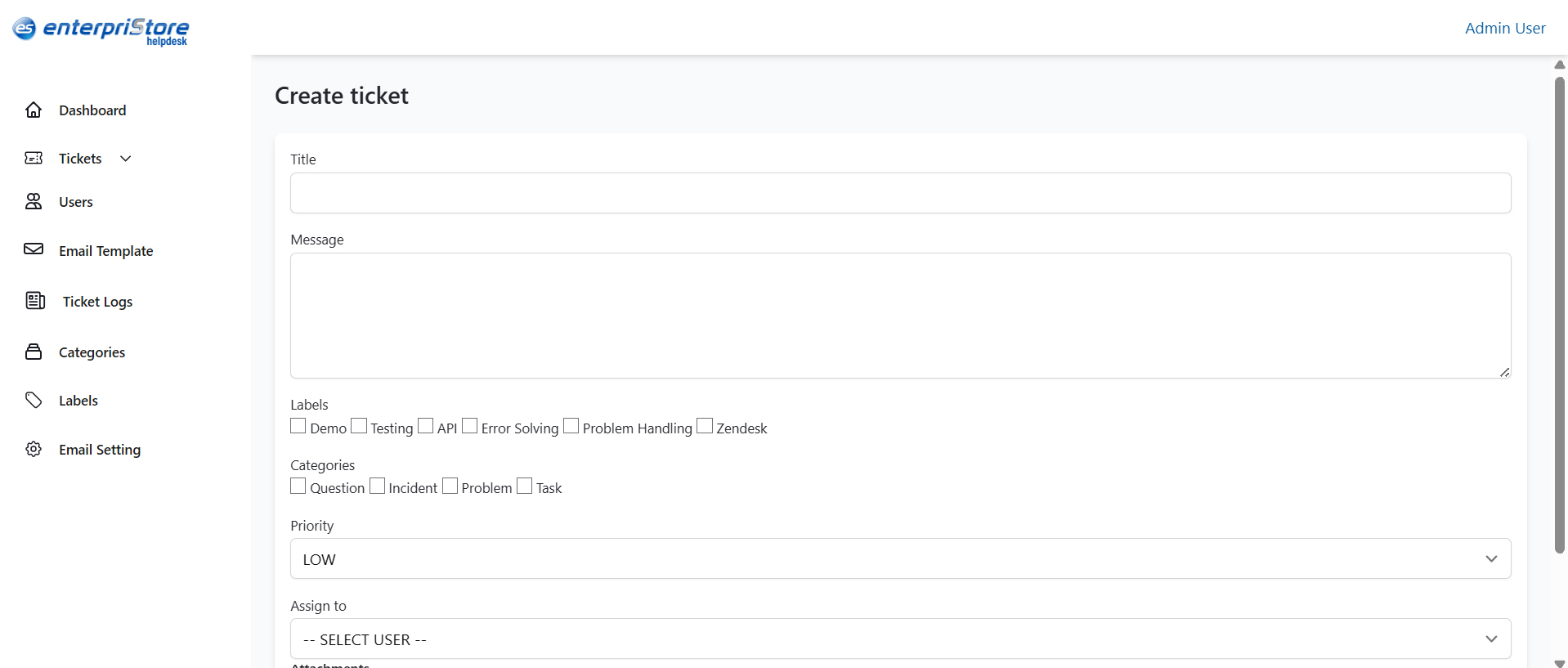
Title
The title represents the subject of the ticket. It can be modified if the existing one is unclear or does not properly reflect the issue.
Message
This section contains the detailed description of the problem or request. It can be updated with new information to provide additional clarity.
Labels
Labels help organize and classify tickets for easier management. Options include Demo, Testing, API, Error Solving, Problem Handling, and Zendesk.
Categories
Categories define the type of ticket. The available options are Question, Incident, Problem, and Task.
Priority
The priority setting shows the urgency of the ticket. For example, a low priority may indicate a minor issue that does not require immediate attention.
Assign To
Tickets can be reassigned to another user or agent through this option. This ensures accountability and smooth handling of tasks.
Attachments
Supporting files such as screenshots or documents can be added or updated in this section. If no file is uploaded, the system displays “No file chosen.”
Submit
After making the necessary changes, the Submit button saves all updates and applies them to the ticket record.